
Description
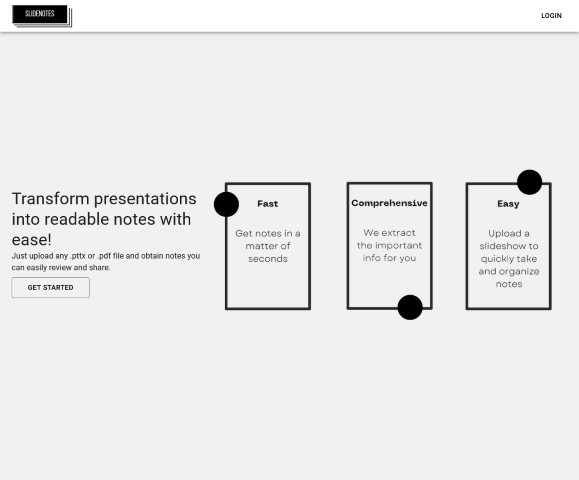
Introducing SlideNotes – the ultimate tool for transforming your presentations into textual format with ease and efficiency. Imagine the convenience of having your slides translated into comprehensive notes without the hassle of typing out each word. SlideNotes is here to take the tedium out of transcription, adeptly converting spoken words and on-screen text into a neatly organized document. Whether you’re a student trying to capture the essence of a lecture, a professional who needs to archive meeting information, or a public speaker wishing to repurpose talks, SlideNotes is your go-to digital assistant.
Functionality Highlights
With SlideNotes, accessibility, and productivity take center stage. It’s not just about converting slides; it’s about streamlining your workflow:
- Students can focus on the lecture instead of frantically typing notes.
- Professionals can enhance team collaboration by quickly sharing meeting contents.
- Speakers can effortlessly repurpose their presentations for publications or social media.
Step by Step Instruction
SlideNotes employs advanced AI to provide a seamless slide-to-text experience. Just upload your slides, and our smart algorithm gets to work:
- Upload your presentation slides directly into SlideNotes.
- The AI scans each slide for text and audible speech.
- It then converts the detected information into editable text.
- You receive a well-structured document with all your slide content transcribed.
Explore More AI Applications
Interested in boosting your productivity even further? Take a look at the apps in these categories:
Productivity
Other
Direct Link to SlideNotes
Ready to turn your slides into text? Visit SlideNotes now and witness a revolution in presentation note-taking:
SlideNotes Official Website
Alternative Application for Consideration
If you’re looking for another innovative AI tool that complements SlideNotes, give Tweetmonk a try. It’s designed to elevate your social media engagement and content strategy:
Discover Tweetmonk